Windows 10 Pro vs Pro N, the same old query gets put up multiple times throughout the day.
The 10 Pro and 10 Pro N are a couple of the Windows 10 multiple editions. Although similar in the majority of the things, the differences are also many.
If you’ve made your way here searching for the information associated with Windows 10 Pro versus Windows 10 Pro N, get ready to meet the requisites right away.
Contents
Comparison Table
| Factors | Windows 10 Pro | Windows 10 Pro N |
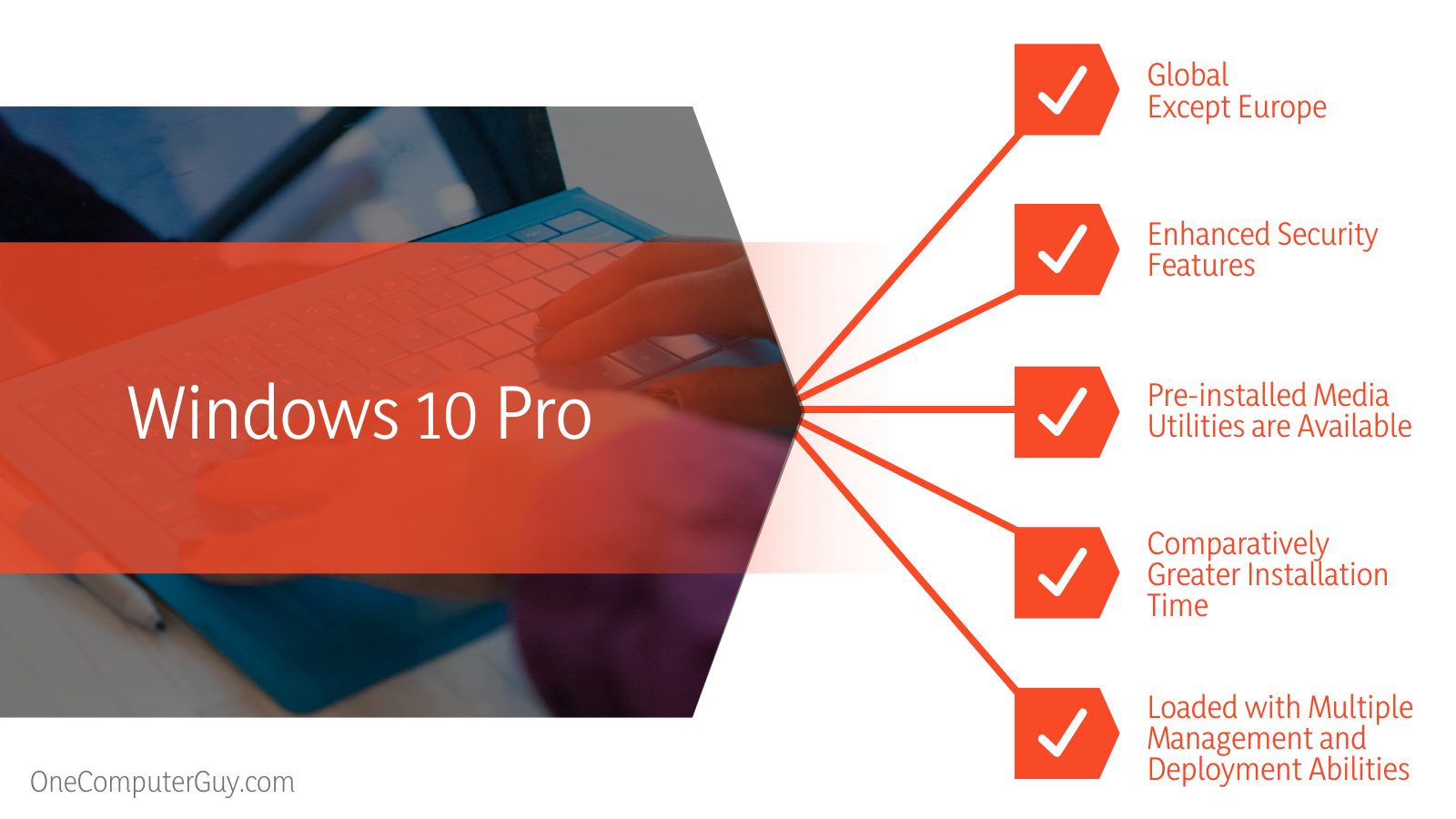
| Availability | Global, except Europe | As a substitute for Windows 10 Pro in Europe |
| Security | It bags enhanced security features | Loads with usual user account management abilities. |
| Pre-installed Media Utilities | Available | Due to some existing restrictions, this version of Windows lacks media utilities like Windows Media Player, Voice Recorder, Video Recorder, and more |
| Management and Deployment Abilities | Loaded with utilities like Group Policy, Dynamic Provisioning, Assigned Access, and more | It lacks most of the management and deployment-related abilities that the original Windows Professional bring to the table |
| Installation Time | Windows 10 Professional has a comparatively greater installation time that sticks somewhere around 15 minutes to 3 hours. | Windows 10 Pro N takes much less time. The Pro N version misses out on media utilities, so acquiring faster installation time isn’t that surprising. |
What Is the Difference Between Windows 10 Pro and Windows 10 Pro N?
The main difference between Windows 10 Pro and Windows 10 Pro N is the desired built region. While the former is available elsewhere but not in Europe, the latter came out as a substitute for Windows users in Europe. Besides, the availability of generic media apps’ also differs.
What is Windows 10 Pro Best For?
The Windows 10 Pro edition loads with a number of utilities to fall in love with. While there are the obvious Home edition features, this version of Windows 10 packs even more. From a vivid set of sophisticated connectivity tools to promising privacy instruments to know about, Windows 10 Pro is a power-packed Windows version. The one sadly, users in Europe are deprived of.
– Enhanced Security Features
Although you’ll find the usual Windows user account management features, one thing that makes Windows 10 Pro a much more efficient version, at least when security is concerned, is the availability of BitLocker. In case you don’t know, BitLocker is a Microsoft encryption utility that can effortlessly offer protection against data infringements.
BitLocker is a really handy feature that can act as a day-saving element in many cases. Simply employing a password, you can encrypt your disk as well as individual files desirably. The availability of BitLocker enhances the overall functionality as it integrates with the user’s infrastructure and provides all-around security with no hassle whatsoever.
Without any doubt, you’ve got a number of cloud storage solutions for storing your files, even without bothering about physical disk space. But you can never deny the fact that the setup comprising a USB key encrypted with BitLocker offers an additional layer of security any day.
– Loaded with Multiple Management and Deployment Abilities
The Windows professional version is home to a number of features that might not be an exciting element for users seeking personal usage. But if you’re keen on business-focused functionalities, those are enough to fall in love with.
Let’s quickly run through the most efficient ones:
-
Group Policy
With the Group Policy feature, you’re allowed to limit user actions. In other words, you can desirably pick the users for a task and assign them through a centralized set of roles. You can literally work around various elements like password complexity, accessibility to network resources, or even the authority to install applications.
-
Azure Active Directory for Enterprise State Roaming
This is an exclusive feature entitled to help users synchronize all the important settings. The same can also be employed to sync application info across devices. The process is concluded with the help of the tool named Microsoft Azure. However, it is worth remembering that the sync doesn’t deal with the usual files and documents; rather, it focuses on the machine’s configuration.
-
Shared PC Configuration
Again a swift mode that primarily suits the situation when you’re concerned about setting up your system for more than one individual. Indeed, a great feature for modern-day business organizations.
-
Windows Store for Business
More like a consumer-facing Windows Store that features almost everything apart from the ability to let business users purchase apps in bulk. One great thing about this feature, though, is that it lets users seamlessly manage all forms of purchases in the most organized manner.
-
Windows Update for Businesses
It is pretty much similar to the Windows update but more focused on the enterprise outlook.
-
Assigned Access
Assigned Access, just as the name suggests, is built for the users (with administrative rights) so that they can manually build a kiosk out of a PC. In simple words, the administrator can prepare the system in a way that other users are limited to access a single app (as desired by the administrator).
-
Dynamic Provisioning
In case you’re able to relate, setting up a new within an organization was a pretty challenging task back in the days. However, Windows 10 Pro helps significantly take the pain away. Bringing Dynamic Provisioning to the scene, the OS owners can now create a profile right on any USB drive. The admin then can insert the same drive to a new machine and wait for the PC to auto-configure everything as instructed.
– Seamless Fundamental Features
In addition to management and deployment features, the original Windows professional shelters some fundamental elements worth talking about.
-
Remote Desktop
Managing your workstation can’t get any better. The Remote Desktop is a feature that works just like a remote control for your computer.
-
Client Hyper-V
Hype-V is a built-in functionality with which you can run virtual machines. However, you’ll need the OS on the processor that supports visualization.
-
Domain Join
The Windows Domain lists among the basic building blocks associated with almost any business network. It simplifies the control of access to whatever network resources, including the likes of file drives and printers.
-
Enhanced Internet Explorer With Enterprise Mode
The Windows 10 Pro version bags an enhanced Internet Explorer that features an exclusive enterprise mode. What it does is allow users to load the websites and also all the web pages from past iterations, even on the newer version of Internet Explorer. This way, users can benefit from better security while continuing the seamless compatibility with the older apps.
– Overall Gaming Scene with Media Extension
Although it will be hard for gamers to distinguish between any version of Windows 10 based on in-game performance, the requirement for Media Extension might lead you to prefer the Windows professional over any other building feature.
What Is Windows 10 Pro N Best For?
Getting straight to the point, Windows 10 Pro N is the best fit for the Windows Professional admirers in Europe. The European government banned the Windows 10 Pro in Europe due to the availability of the media software that loads with it.
Europe encourages healthy competition between industries and aims to provide users with the freedom to choose their desired technology. Windows 10 Pro had in-built media software that would have harmed the market competition; hence failing to meet the government criteria, got prohibited, and its usage in Europe was restricted.
The Windows 10 Pro N was then developed so that Microsoft could still operate in European countries. Although the Windows 10 Pro N lacks media technologies, there are some amazing this that deserve your attention.
– Connectivity with Continuum
Exclusive for the Windows 10 Pro N users, continuum refers to a brilliant feature that helps users connect and employ their smartphones as computers. Not just that, thanks to continuum, the display of the smartphone can even be used as a regular trackpad. Undoubtedly a cool ability.
– Remote Desktop
If you’re looking for an ability that will let you access your computer even without accessing it physically, the Remote Desktop feature of Windows 10 Pro N will help.
– Game DVR
Do you love gaming?
Well then, you’ll love Windows 10 Pro N too. Game DVR, which was initially a part of Xbox, has now made its way towards Windows 10 for letting the users record gameplay sessions with no issues whatsoever.
Pros and Cons
Until this point, you know what’s the scene around Windows 10 Pro versus Windows 10 Pro N. To ensure a better understanding, let’s quickly walk through the pros and cons that you might encounter while using any of the concerned Windows versions.
Pros of Using Windows 10 Pro:
- It offers a better encryption setup. Data protection on Windows 10 Pro is more promising.
- This version of Windows is known to bag better updates.
- Windows 10 loads with extra business-focused capabilities.
Cons of Using Windows 10 Pro:
- The subscription model isn’t that welcoming.
Pros of Using Windows 10 Pro N:
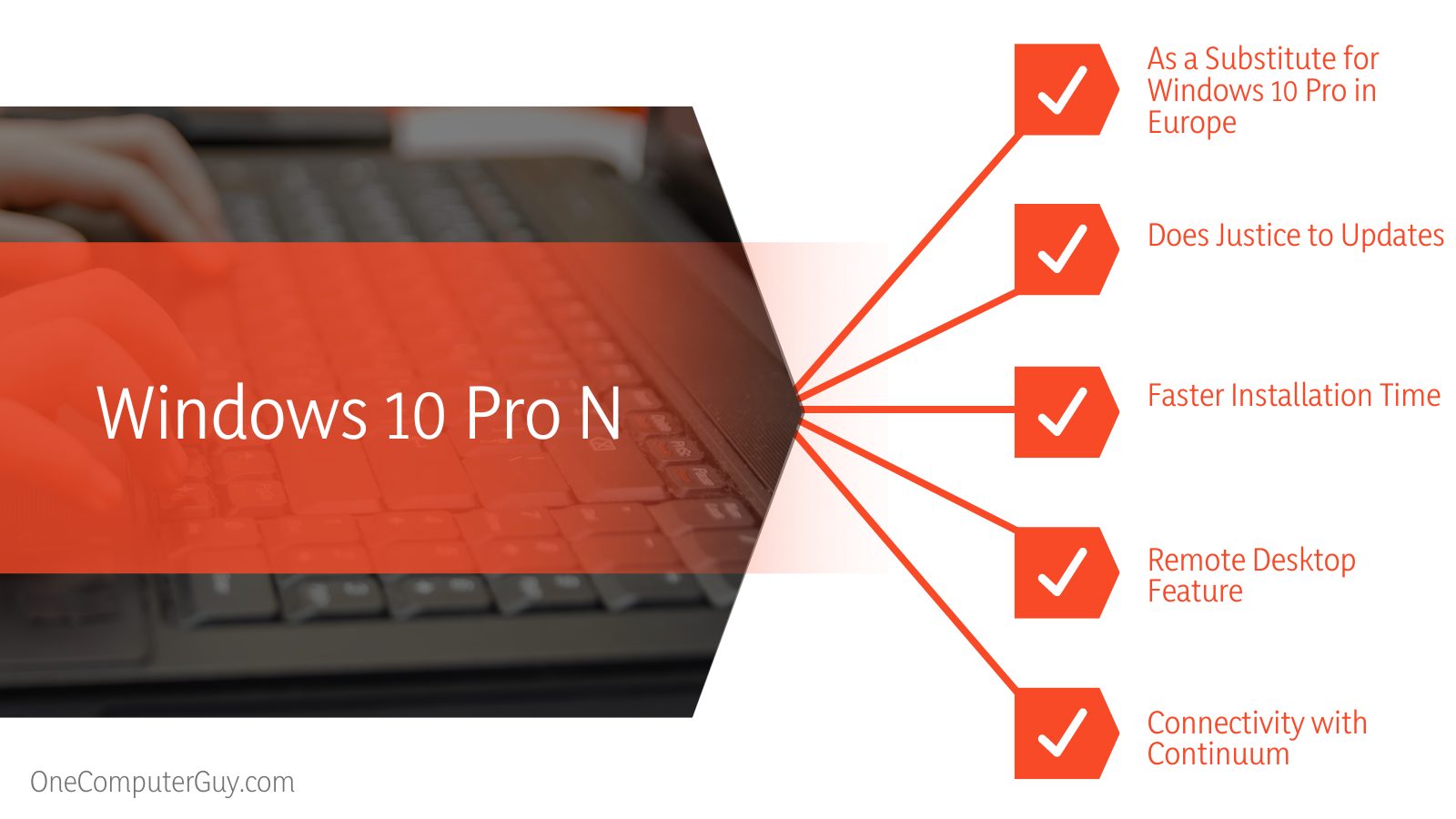
- Comes as a substitute for Windows 10 Pro in Europe
- Does justice to updates.
- Loads with features like Game DVR, Remote Desktop, and more
Cons of Using Windows 10 Pro N:
- Lacks multimedia software (Windows Media Player, Voice Recorder, etc.)
Choosing the Best One
When it comes to the query, Windows 10 Pro versus Windows 10 Pro N, the main decision-making factor rests around the respective attributes. The fact that the latter version does not include the utilities such as Windows Media Player and other related utilities is a critical point to consider, and that genuinely makes a difference.
Additionally, with so many things to offer, it is pretty usual for users to tend towards the original Windows 10 Pro. However, the unavailability of the Pro version in Europe leaves no other option for the users residing there.
FAQ Section
– Is Windows 10 N Better?
Well, Windows 10 Pro N is at least the sole option for audiences across Europe, primarily as the operations of Windows 10 Pro are restricted there. The introduction of the Windows 10 N edition marked the availability of almost the same functionality as the original Windows 10 but lacked any kind of media-related technologies. You’ll not find the utilities like Windows Media Player, Skype, Video Recorder, Voice Recorder, etc., with the N edition.
– Is Windows 10 Pro N Good for Gaming?
To be honest, neither playing games on Windows 10 Pro nor on Windows 10 Pro makes much of a difference. The availability of pre-installed media, however, presents the original Windows 10 Pro as a better option for the gaming experience. But then again, with the flexibility that Windows 10 Pro N bags, coming out of media-related misery won’t be a tough cake to bake.
Conclusion
That’s everything you need to know about Windows 10 Pro versus Windows 10 Pro N. The Windows 10 Pro N is nothing but the Windows 10 Pro itself, just lacking the official Media Player alongside a few other usual utilities. The unavailability of Windows 10 Pro in Europe makes the Pro N version a perfect delight for the customers there. As media-related apps are under the restricted tag in the European market, the release of the 10 Pro N version was evidently for that specific audience base.
In case you wonder which one will emerge as the winner of the Windows 10 Pro vs Pro N battle, you must know that the answer depends on the type of user you’re. Walk through the article thoroughly, and you’ll understand what’s that all about.